
Brewfather Integration
Connect your Brewfather account to Taplist.io and import your recipes and batches instead of typing them in twice.
What it does
Brewfather is a popular homebrewing recipe, batch manager, and toolset. Link it to Taplist.io and the beers you brew are ready to put on your menu.
Here's what you can expect:
- Recipes become beverages. Every recipe in your Brewfather account is added to your private Taplist.io beverage database.
- Active batches become on-deck kegs. Each batch you have in progress is created as an On Deck keg, ready to put on tap.
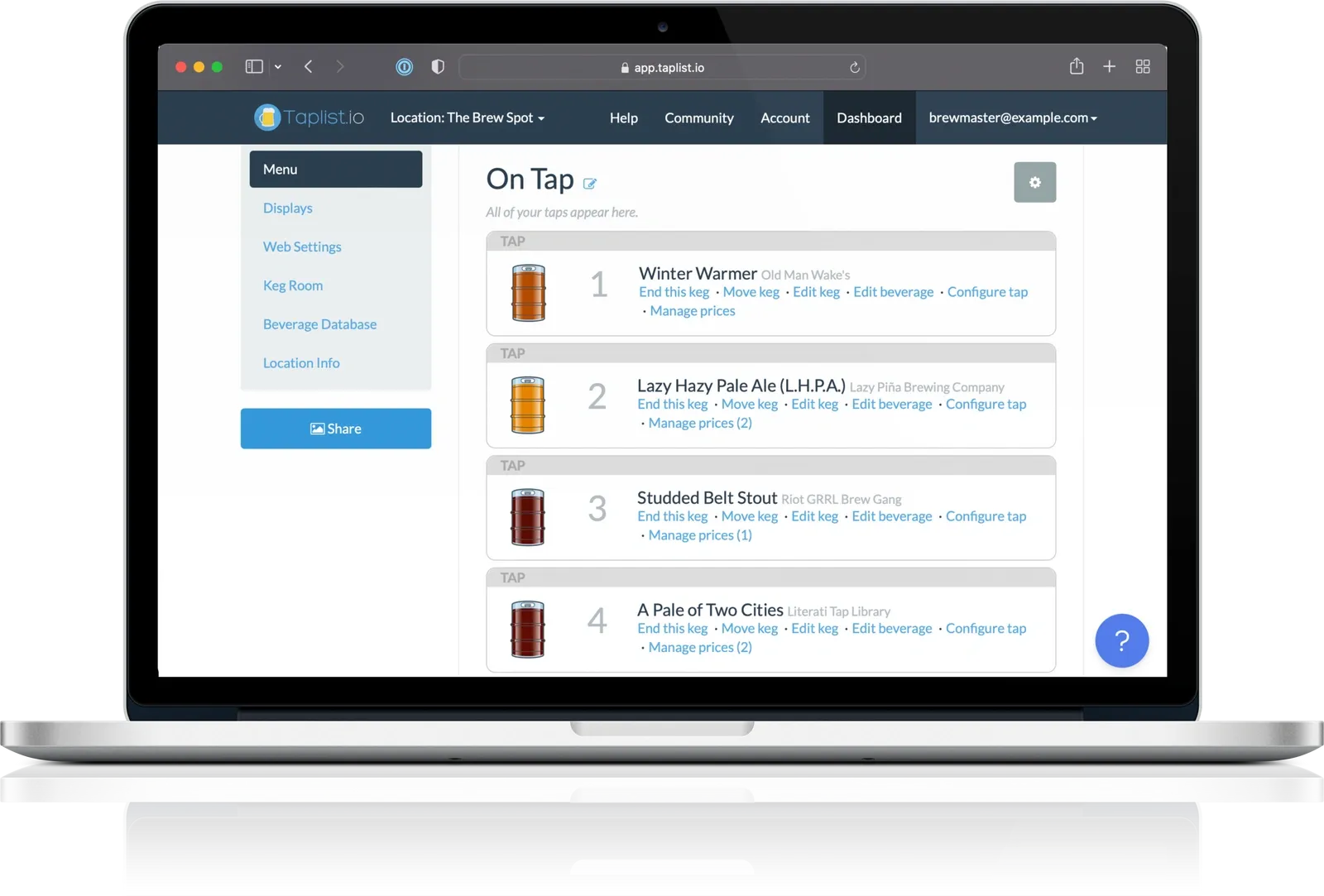
- On your menus in minutes. Assign an imported keg to a tap and it appears on your TV, web, and QR menus. See everything included in Taplist.io for homebrewers.
How it works
Taking advantage of this integration is really simple. Here's how:
- Get an account. You'll need a Taplist.io account. Start a free trial or compare plans and pricing.
- Generate a Brewfather API key. In Brewfather's settings, generate an API key with the Read Recipes and Read Batches permissions, then copy your User ID and API Key.
- Connect and sync. Open the Integrations page in the Taplist.io dashboard, choose Sync with Brewfather, and paste in your credentials.
For step-by-step instructions, see Import from Brewfather in our Help Center.
FAQ
Not yet. Visit the Integrations page and click Sync whenever you want to pull the latest recipes and batches from Brewfather.
Access to Brewfather's API Key feature. At the time of writing, API access is a paid feature of Brewfather.
No. Taplist.io only reads your recipes and batches.
We'd love to hear from you! Please send a note to us and a friendly human will get right back to you.


Amazing menus await
Activate your free trial and start building your menu now.
Prefer a walkthrough? Book a demo
Backed by our money-back guarantee.
Understand why leading bars and breweries generate more sales and cut costs by using Taplist.io to manage their menus.